How to turn a photo into a coloring page for free
Updated September 10, 2026
Upload a clear photo to DoodleMi's free-page tool and wait for the artwork preview. Enter your email to unlock the printable PDF and receive its download link. You can claim one free page per email address, with no account, card, or subscription. Save the file and print it at a size that fits your paper.
Photo

Coloring page
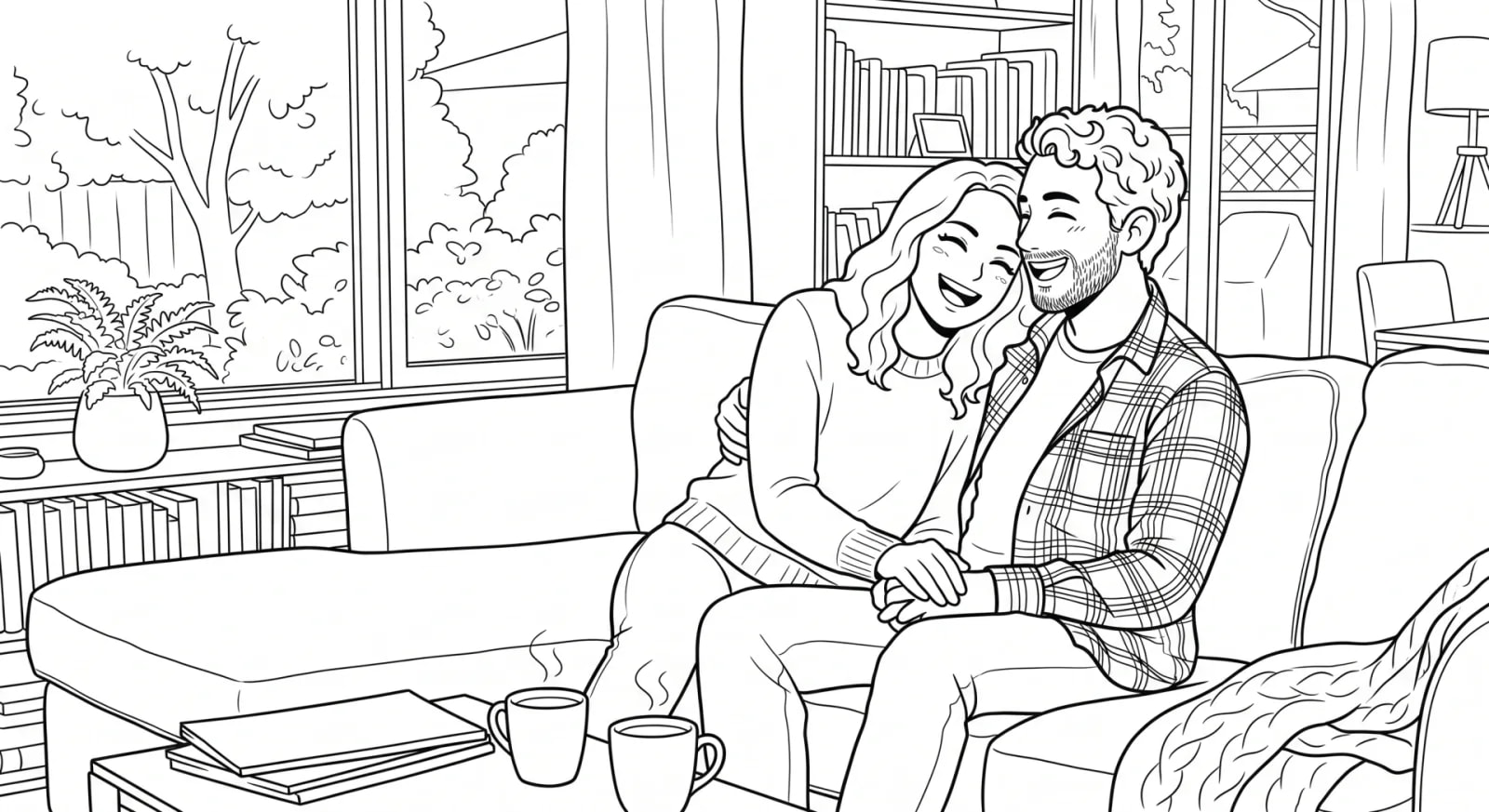
See what your photo looks like as a coloring page
From your photo to a printable PDF
Use a photo where the people or pets are easy to see. Choose the original file rather than a small screenshot when you have it.
- Open the free-page tool and upload your photo.
- Wait for the artwork preview, then check the faces and details you want to keep.
- Enter your email address to unlock the printable PDF and receive its link.
- Download and save the PDF so you have your own copy.
- Check the print preview, choose a scale that fits the printable area, and print.
What if the preview or download does not work?
Processing time varies. If the tool reports that the page failed, follow its retry prompt and consider a clearer photo. If it says the printable is still being created, wait for it to finish before claiming the PDF.
The PDF requires a regular email address. An address that has already claimed a free page cannot claim another. If the email does not arrive, search your mail for DoodleMi (it comes from [email protected]), check Spam/Junk or Promotions, and check the spelling of your address. The result page lets you send it again a few minutes later, up to three times in 24 hours. For help, contact [email protected]; you do not need to buy a book to resolve a free-page download problem.
Print on letter or A4 paper without clipping
The PDF is square, while letter and A4 sheets are rectangular. Check the print preview and select Fit or Shrink to printable area if part of the image would be cut off. White space above or below a square page is normal; forcing 100% scale is not necessary.
Print one test sheet first. Regular printer paper is a starting point for pencils or crayons. For markers, use paper your printer supports, test for bleed-through, and put a spare sheet underneath while coloring.
How the artwork differs from a photo filter
DoodleMi redraws your photo as line art rather than tracing it. Backgrounds get simplified and faces or small details can shift a little, so inspect the preview rather than expecting an exact tracing. For direct control over each outline, manually tracing the photo in a drawing app is another approach.
Turn a collection of photos into a book
Choose a printed Mini with 12 coloring pages for $19.99, a printed Full with 22 for $24.99, or a standalone Full PDF for $14.99. Upload up to 12 or 22 photos respectively; illustrated theme pages fill unused slots.
The book flow creates separate artwork and previews up to two photo-based sample pages before payment. Our team reviews the finished book before fulfillment. For the paid PDF, we aim to email it within 2 days; a whole book goes through that review step.
Common questions
Is it really free?
Yes. Claim one free page per email address, with no card and nothing to cancel. Daily capacity limits can apply. We email you the download link and occasional emails from DoodleMi, and you can unsubscribe anytime.
What happens to my photo?
Your photo is used only to make your coloring page or book, and we never sell it or use it for anything else. We keep uploads only as long as we need them for your order, while the finished files stay put so your download link keeps working and we can help if anything goes wrong. If you'd like your photo or files removed, just email [email protected] and we'll take care of it.
Can I print the page more than once?
Yes. Save the PDF and print additional copies for personal use. Keep your own copy rather than relying on the download link remaining available.