How to make a coloring book from your photos: DIY or order one
Updated November 10, 2026
There are five practical ways to make a coloring book from your photos: trace them by hand, run them through a photo editing filter, ask a general image generator to redraw them, make one free page with DoodleMi, or order a printed DoodleMi book. The do-it-yourself routes cost little but take your time, and you print and bind the pages yourself. A printed DoodleMi book is $19.99 for 12 pages or $24.99 for 22 pages, with free standard US shipping, and our team reviews every page before it prints.
Photo

Coloring page
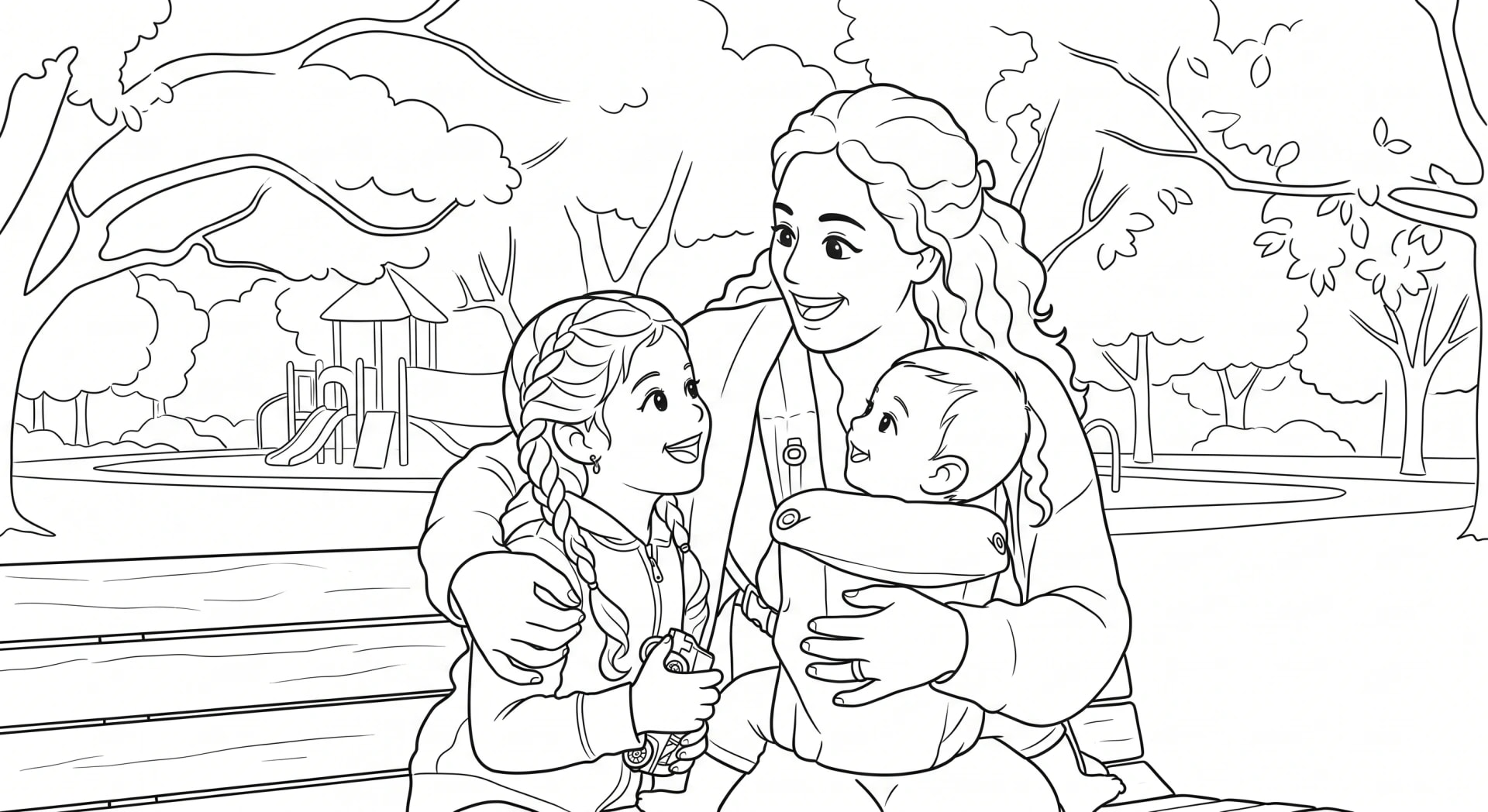
See what your photo looks like as a coloring page
Five ways to make a coloring book from photos, compared
Each route trades money for time and control. The table compares them on the things that decide most projects: what you spend, how long it takes, the skill involved, and how the finished book is printed and bound.
| Route | Cost | Time | Skill needed | Print quality and binding |
|---|---|---|---|---|
| Trace by hand | Paper, a fine black pen, printing | The slowest; every page is drawn by you | Steady hand and patience | Home or copy shop printing; staples, rings, or a copy shop binding |
| Photo editing app or filter | Free to low, depending on the app | Quick per photo, plus cleanup | Comfort with contrast, filters, and an eraser tool | Often gray shading and broken lines; home printing and your own binding |
| General image generator | Free tiers or a subscription | Fast per try, but often several tries per photo | Writing clear instructions and judging results | Varies; check resolution and gray shading before printing |
| Free DoodleMi page | Free, one page per email address | A few minutes to upload, then a PDF by email | None | Printable PDF; you print it on your own paper |
| Printed DoodleMi book | $19.99 (12 pages) or $24.99 (22 pages) | About 10 minutes to order, then printing and shipping | None | 8.5 inch square, 60 lb (90 gsm) uncoated paper, saddle stitched, full-color cover |
How do you trace a photo into a coloring page by hand?
Tracing gives you full control over every line, and it costs almost nothing. It is a good fit for one or two special pages, or for someone who enjoys drawing as part of the gift. It is slow for a whole book, and faces are the hardest part to get right.
Simplify as you go. A traced page does not need every fold in a sweater or every leaf on a tree. Outlines that close into shapes are what make a page pleasant to color, so connect lines at corners and skip shadows entirely.
- Print the photo at the size you want the page to be, or open it on a tablet with the brightness turned up.
- Lay tracing paper or thin printer paper on top. A sunny window or a light pad helps you see through it.
- Trace the main outlines first with a pencil: faces, hair, clothes, and the largest objects.
- Leave out small textures like grass blades, brick patterns, and tiny background people. Large closed shapes are easier to color.
- Go over the final lines with a fine black pen or marker, then erase the pencil.
- Scan or photograph the page in even light, and print as many copies as you need.
How do you turn a photo into line art with an editing app?
Many photo editors and phone apps have a sketch, outline, or find edges filter. They are fast and often free, and they work best on simple, high-contrast photos like a single face against a plain wall. On busy photos they tend to produce gray shading, speckles, and broken outlines, which are hard to color neatly.
Expect to spend most of your time on cleanup. The filter does the first pass in seconds, and then you erase speckles, close gaps, and remove shaded areas by hand. Work on the largest version of the photo you have, because small files print with jagged, blurry lines.
- Crop the photo close around the people or pet you want on the page.
- Raise the contrast and brightness so the edges stand out.
- Apply a sketch, outline, or find edges filter.
- Convert the result to pure black and white with a threshold or black and white setting, so there are no gray areas.
- Erase stray marks and close any gaps in the outlines so color has clear areas to fill.
- Print a test page and adjust the threshold if the lines are too faint or too heavy.
Can a general image generator make coloring pages from photos?
Some general image generators and chat apps can redraw a photo as a coloring page if you ask clearly. Results vary a lot. Faces can drift away from the person in the photo, extra details can appear, and pages sometimes come back with gray shading or solid black areas that are hard to color. Keeping the same style across a dozen pages can take many tries.
Before you upload family photos, especially photos of children, read how the service stores and uses your images. Check the file size before printing too, since a small image will look soft on a full page.
- Choose a clear photo with visible faces and good light.
- Ask for black outlines only on a white background, no shading, no gray, and simple large shapes suitable for coloring.
- Compare the result with the photo. Check faces, the number of people, and hands.
- Regenerate or adjust your wording until the page looks right, then repeat for each photo, using the same wording so the pages match.
- Download the largest size available and print a test page before printing the set.
How do you make one free coloring page with DoodleMi?
If you want to see how one of your photos looks as a finished coloring page before committing to anything, the free page is the quickest test. Upload one photo, check the artwork preview, and enter your email to receive the printable PDF. You can claim one free page per email address, with no card or account.
- Open the free page tool and upload one clear photo.
- Wait for the artwork preview and check the faces and details.
- Enter your email address to get the printable PDF.
- Save the PDF and print it with Fit or Shrink to printable area selected, since the page is square.
How do you order a printed DoodleMi coloring book?
Ordering suits a gift, a book for several people, or anyone who would rather not trace, edit, and bind twenty pages. Each photo becomes a page in a soft, cute storybook style, and our team reviews every page before printing.
- Choose the Mini (12 pages, up to 12 photos) or the Full (22 pages, up to 22 photos).
- Upload your photos. Illustrated theme pages fill any empty slots.
- Add an optional dedication. It prints on the first page exactly as typed.
- Preview free sample pages made from your photos. You can regenerate the preview once.
- Check out with Stripe. No account is needed.
- Our team reviews every page, then the book is printed to order and shipped with tracking.
How do you print and bind a homemade coloring book?
Print one test page before the whole set. Regular printer paper works for colored pencils and crayons. For markers, use a slightly heavier paper your printer can handle, and put a spare sheet underneath while coloring. Print on one side only so marker does not show through onto the next page.
For binding, the simplest option is a long-reach stapler along one edge or down a folded spine. A three-hole punch with binder rings or ribbon lets pages lie flat and come out for coloring. Many copy shops can add a comb or coil binding and a card cover for a small fee. If you want a cover, print a favorite photo on card stock.
Mixing routes is fine. You can order the printable PDF, add a page you traced yourself, and staple the whole set together. A printed DoodleMi book skips the printing and binding step entirely. It arrives as an 8.5 inch square book on 60 lb (90 gsm) uncoated white paper suited to colored pencils and markers, saddle stitched, with a full-color cover illustrated from one of your photos.
Which route should you choose?
Start with how many pages you need and when you need them.
- One page for a card, a place mat, or a test: make the free DoodleMi page.
- A few pages and you enjoy drawing: trace by hand.
- Simple, high-contrast photos and a free afternoon: try an editing filter.
- A dozen or more pages for a gift: order a printed book, or the PDF if you want to print at home.
- A gift needed in the next few days: the printable PDF, which we aim to email within 2 days.
Common questions
Can I turn a photo into a coloring page for free?
Yes. Trace it by hand, try a free editing filter, or use the DoodleMi free page tool, which emails you a printable PDF. The free page is limited to one per email address.
What is the cheapest way to make a whole coloring book from photos?
Tracing by hand or using a free filter costs the least in money, but both take time. The DoodleMi printable PDF is $14.99 for 22 pages you print yourself, and a printed Mini is $19.99 with free standard US shipping.
What paper is best for a homemade coloring book?
Regular printer paper is fine for colored pencils and crayons. For markers, use a heavier paper your printer supports and print on one side only.
Why do my filtered photos look gray and messy?
Sketch filters keep shading from the photo. Convert the result to pure black and white with a threshold setting, then erase stray marks and close gaps in the outlines.
How long does a printed DoodleMi book take?
About 2 to 3 weeks in the US with free standard shipping, or 6 to 8 business days with $15 expedited shipping. Canada and Australia take about 3 to 4 weeks for a flat $7.